Reports
Written evidence of the relevant inspection, service or engineering activity.
Control the evidence
Truck Cranes does the physical work. Briefing, reports and authorised QR-linked asset records help customers retain control of the evidence.
What the customer receives
The exact output depends on the work, asset and applicable inspection route.
Written evidence of the relevant inspection, service or engineering activity.
Applicable certificates retained with the asset rather than separated from its history.
Findings made visible with the equipment and action context.
The repair or corrective work can be followed through to applicable closure.
Upcoming service or inspection information helps teams see what requires attention.
A continuing record of activity gives the customer a clearer operational trail.
From physical asset to controlled history
Engineering activity, findings, remedials and retained records stay organised around the equipment.
The equipment and its record are matched so activity follows the right asset.
Physical service, repair, remedial or correctly scoped inspection work takes place.
Reports, certificates where applicable, photographs, findings and actions are recorded.
The issue, required work and subsequent action remain part of one evidence chain.
The customer can trace what happened to the equipment and when.
Authorised users can reach relevant reports, schedules, history and current or outstanding actions.
Where deployed, an authorised scan can open the relevant asset record without searching through folders or email.
Briefing
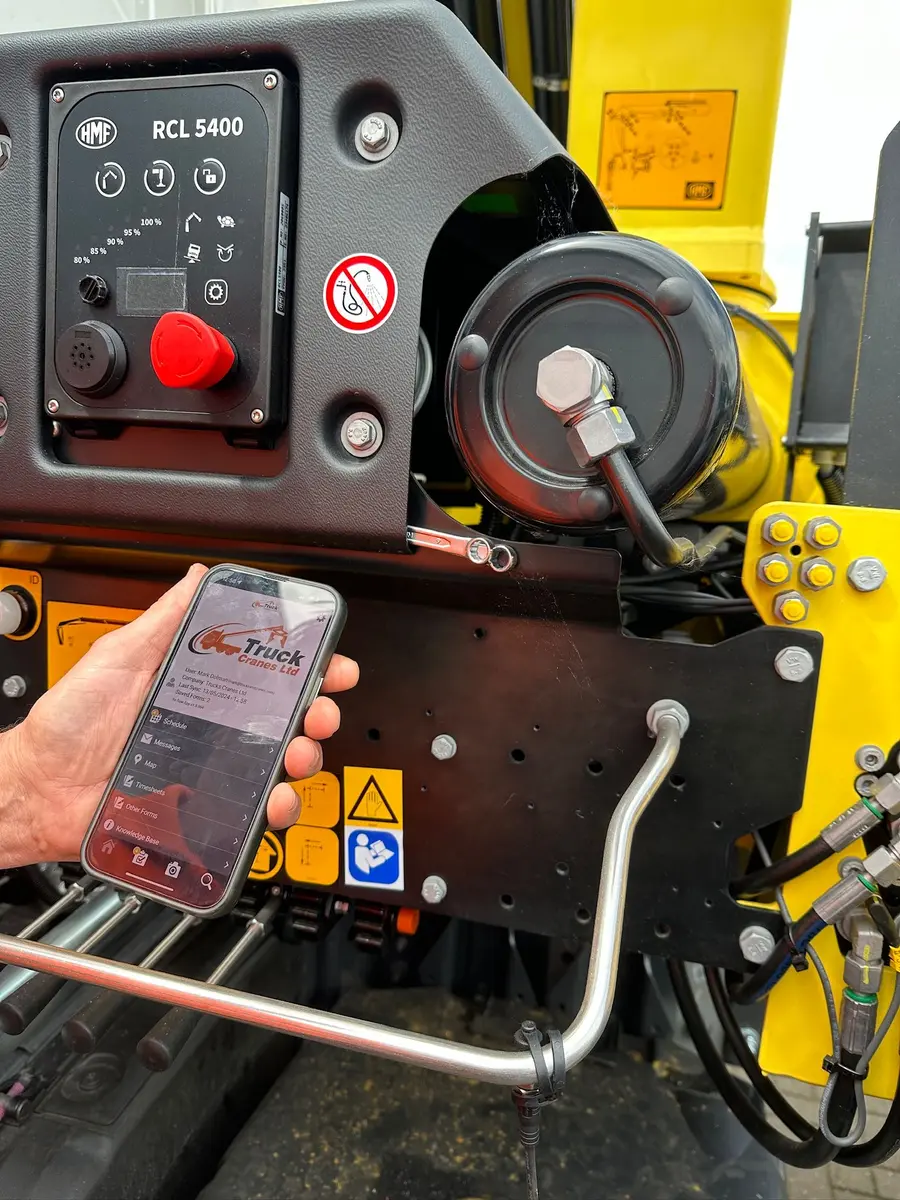
Briefing gives authorised customers a structured route into the records made available for their equipment. It is the customer-facing evidence layer behind repair, maintenance, inspection and remedial work.
Ask about customer accessMove from the wider equipment position to the individual asset that needs attention.
Open the relevant evidence without relying on a disconnected email or paper folder.
See recorded findings and distinguish current or outstanding work.
Connect a defect to the engineering action that followed and the evidence of closure where applicable.
Review relevant upcoming activity around the equipment record.
Customer visibility remains permission-controlled; public website visitors cannot access customer records.
Why QR matters
A QR label can shorten a practical task: instead of matching an asset manually and searching through folders, emails or fleet lists, an authorised user can start from the equipment in front of them.
QR access remains permission-controlled and applies where the journey has been deployed for that asset.
Useful in the real operation
Which asset is affected, what work took place and what needs attention next?
Where is the relevant report or certificate, and what defect or due action is recorded?
What was found, what remedial work followed and what evidence completes the trail?
Supported equipment
Buyer questions
Straight answers to the questions that usually shape the next step.
Briefing is the named customer evidence experience behind Truck Cranes engineering and compliance work. It helps authorised customers move from fleet or equipment context into reports, certificates, history, schedules, defects and remedial actions.
No. Briefing is not described as a public dashboard. Customer records are permission-controlled and are not exposed through this website.
Where a QR journey is deployed and authorised, scanning the label on the physical asset provides a shorter route to that asset’s relevant record. It avoids searching manually across folders, email chains or fleet lists.
Authorised customer access can provide the relevant records made available for their equipment. The exact portal destination is intentionally omitted from this public build until it is verified.
The evidence model connects the finding, required action, engineering work and applicable closure so the history remains understandable around the asset.
Evidence behind every asset
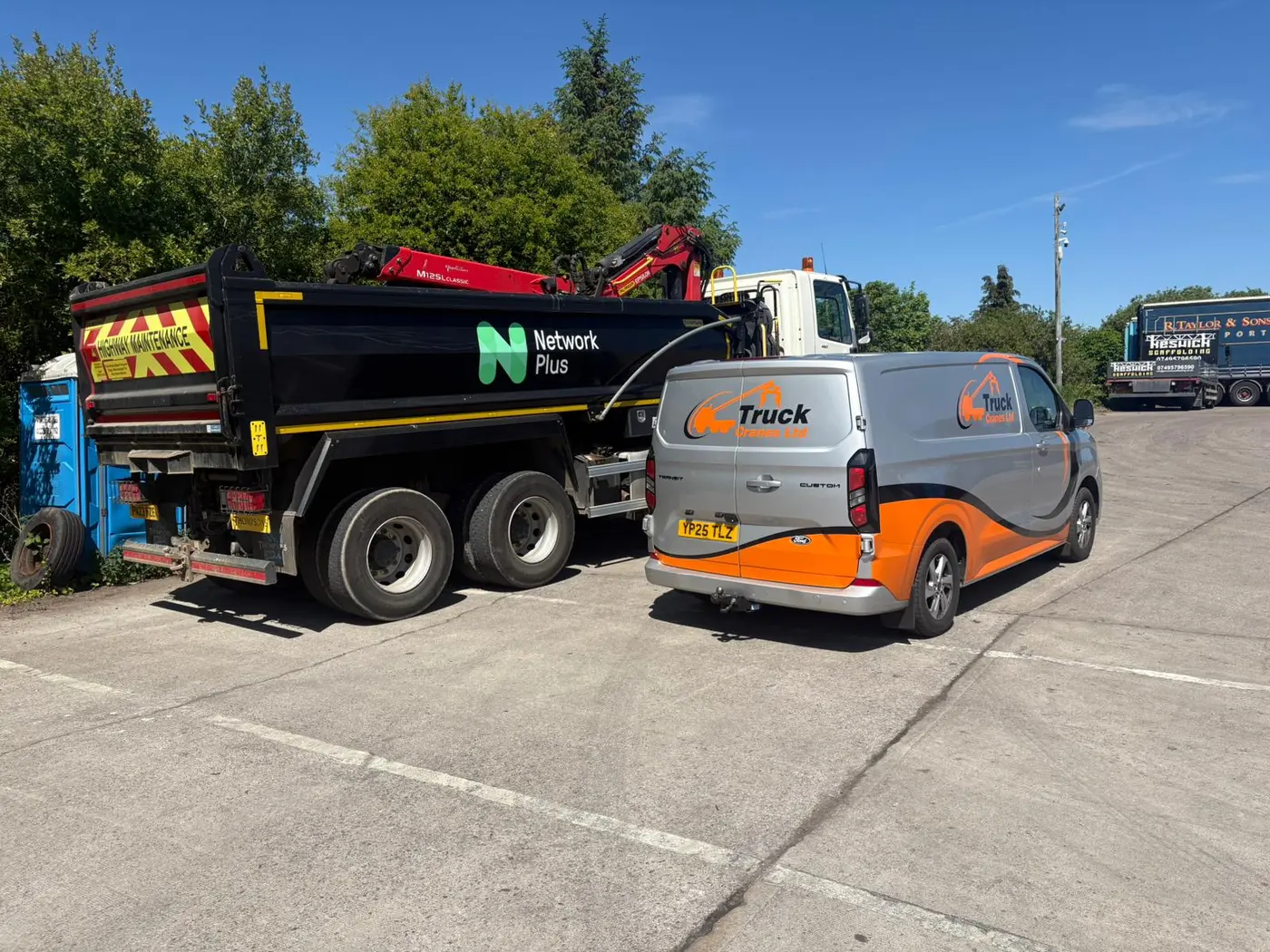 Cranes
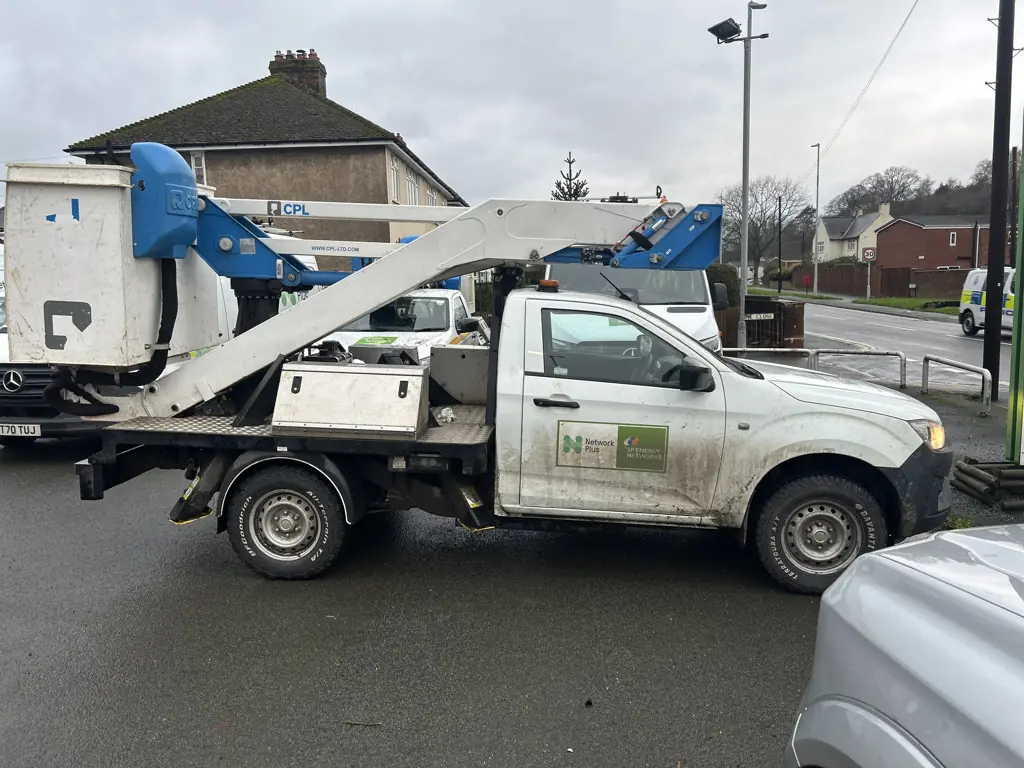 MEWPs
MEWPs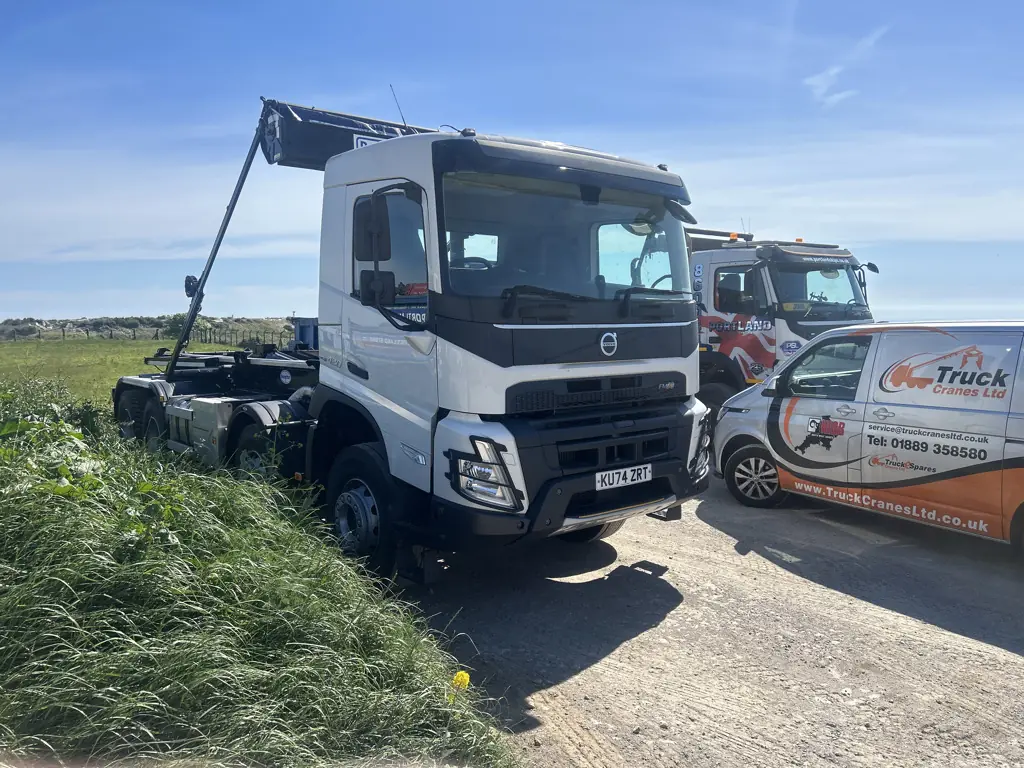 Hookloaders
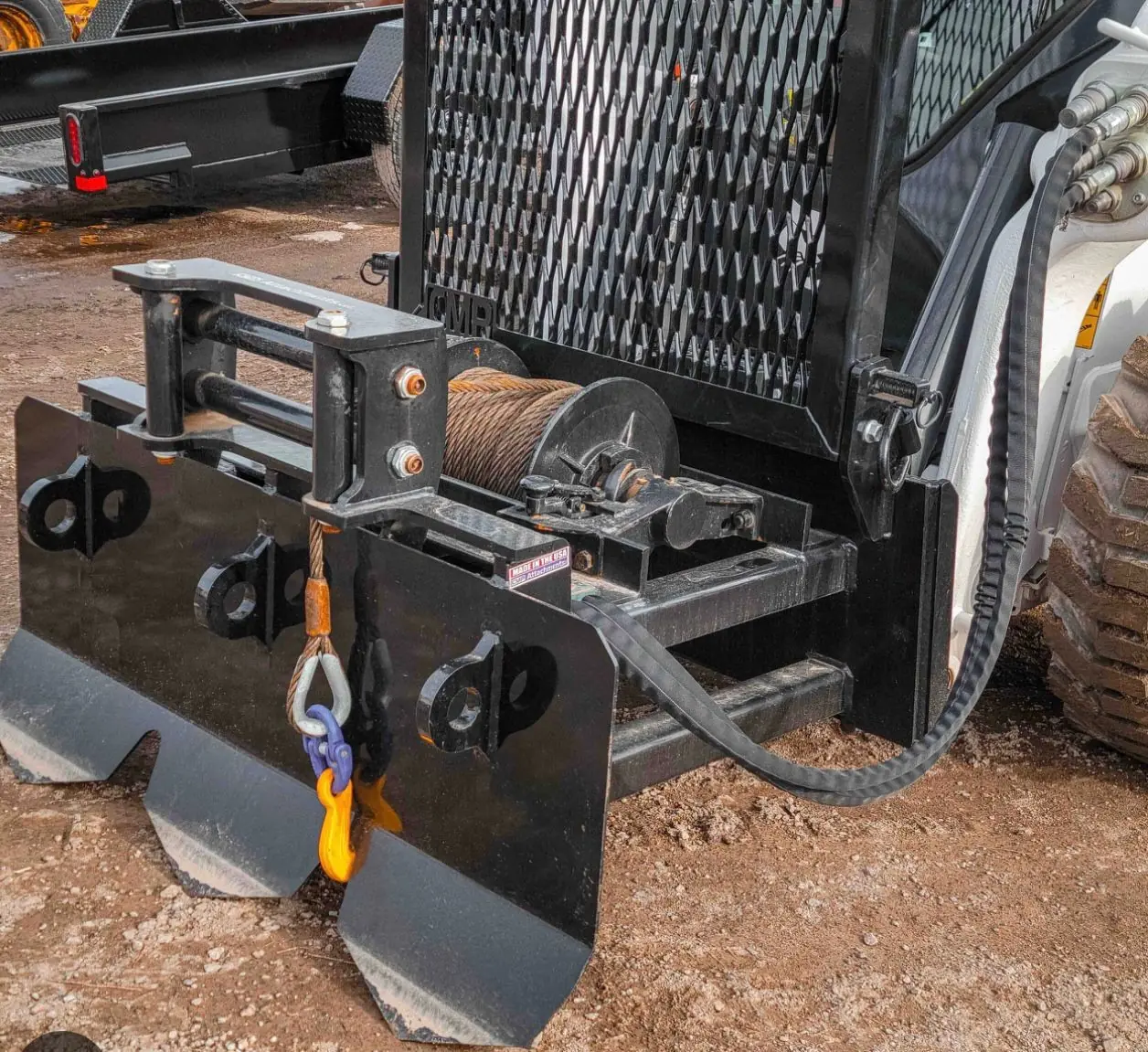 Winches
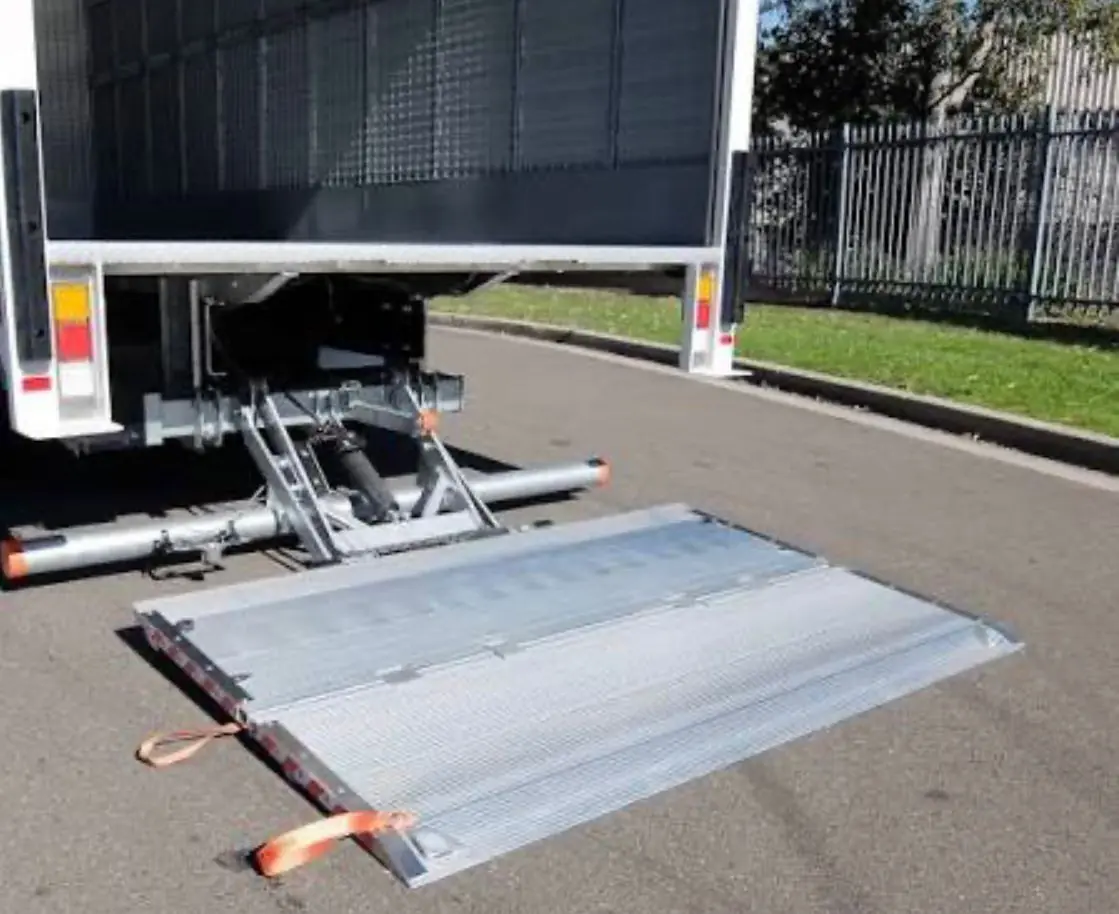 Tail lifts
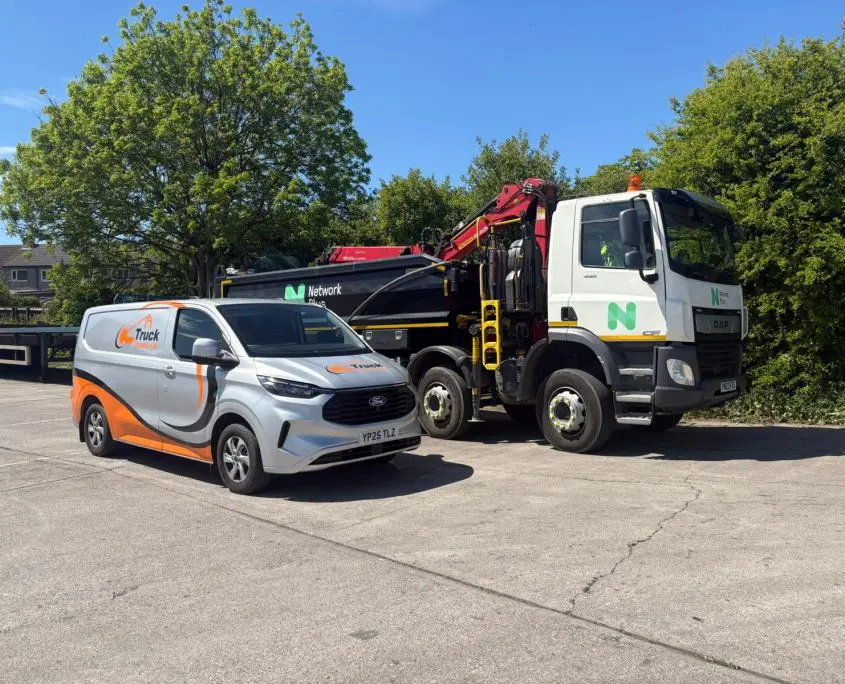 Hydraulics & plant